

Use Metafields to Select Variants Faster
For stores with a high number of products or variants, you can use Shopify metafields to quickly select which items a promotion applies to.
Instead of manually selecting products or variants, you can select them using metafield values directly within Abra.
When to use it
If you have a large catalog and want to target subsets of products efficiently
If you have high variant complexity and want to select specific variants with ease
If you want to target overstocked products by variant
How to Select Variants Quickly Using Metafields
Create a promotion and add a new discount to the promotion.
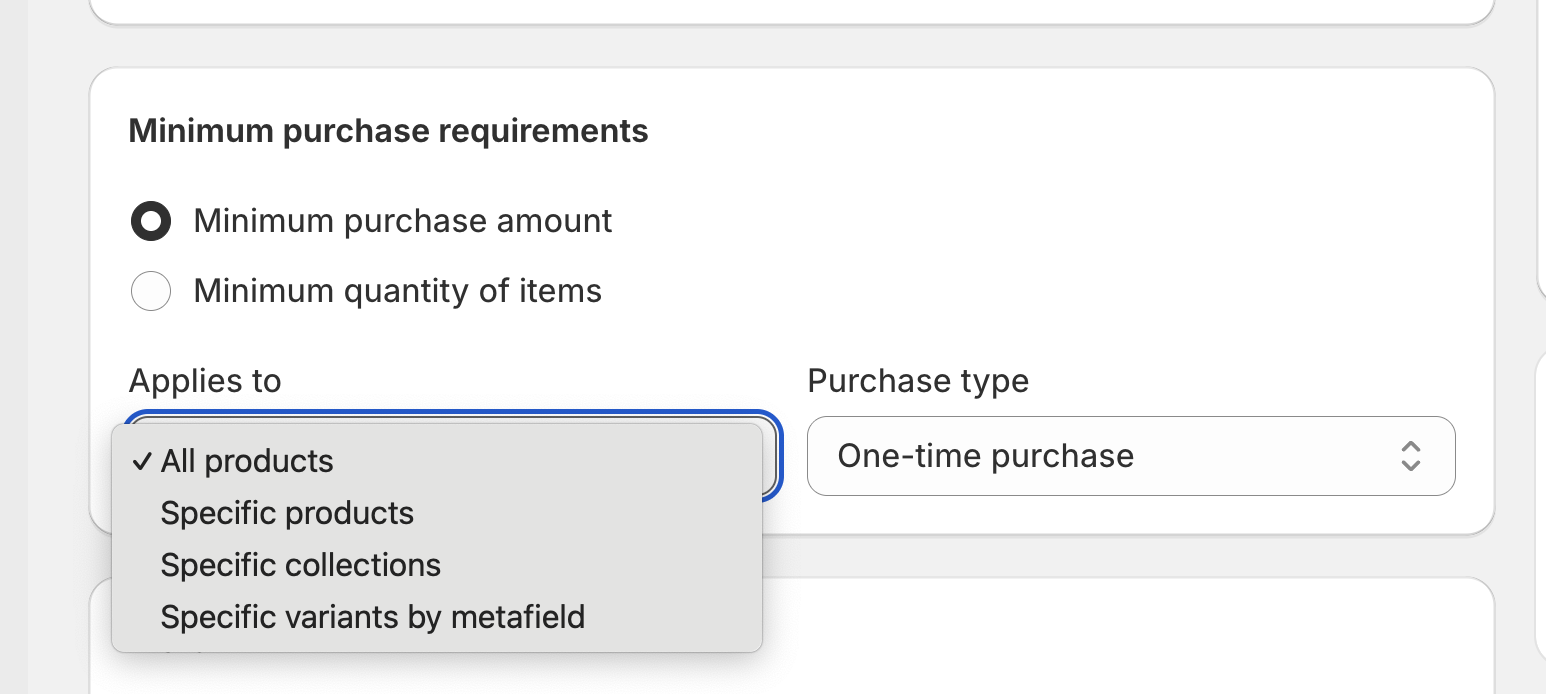
Navigate to Purchase Requirements and select Applies to specific variants by metafield
You can select the relevant metafield definition through search or browse
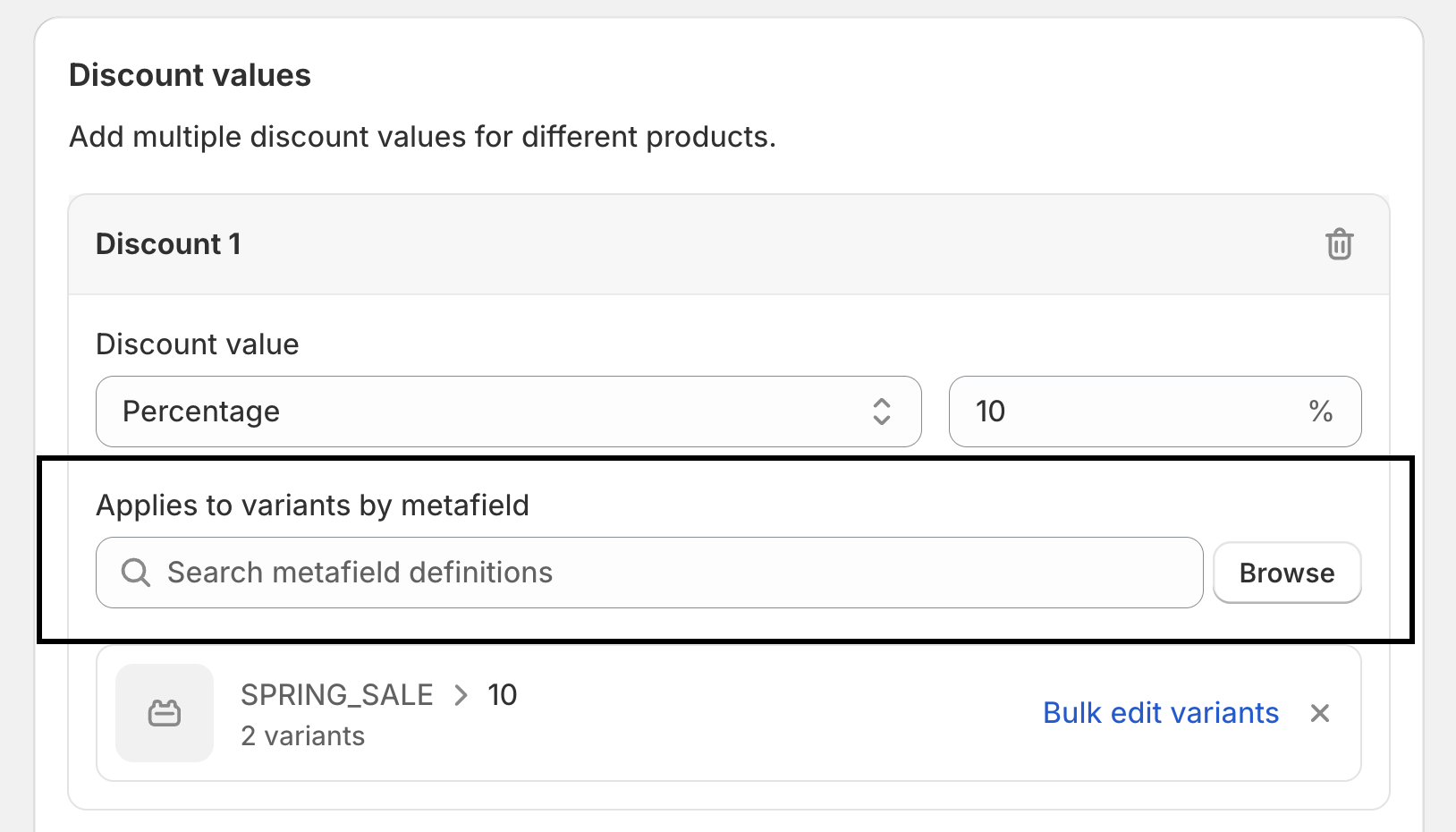
Then select the metafield value to assign discount eligibility
Hit Done and you will be redirected back to your discount to complete the discount creation.
How to use Shopify’s Bulk Editor to Edit Metafield Values
You can edit your metafield values in Shopify’s Bulk Editor. This will enable you to update multiple metafield values for multiple variants at once. This can be accessed directly from discounts created in Abra that apply to specific variants by metafield.
In the discount you have created, navigate to where the metafield definition and values have been selected
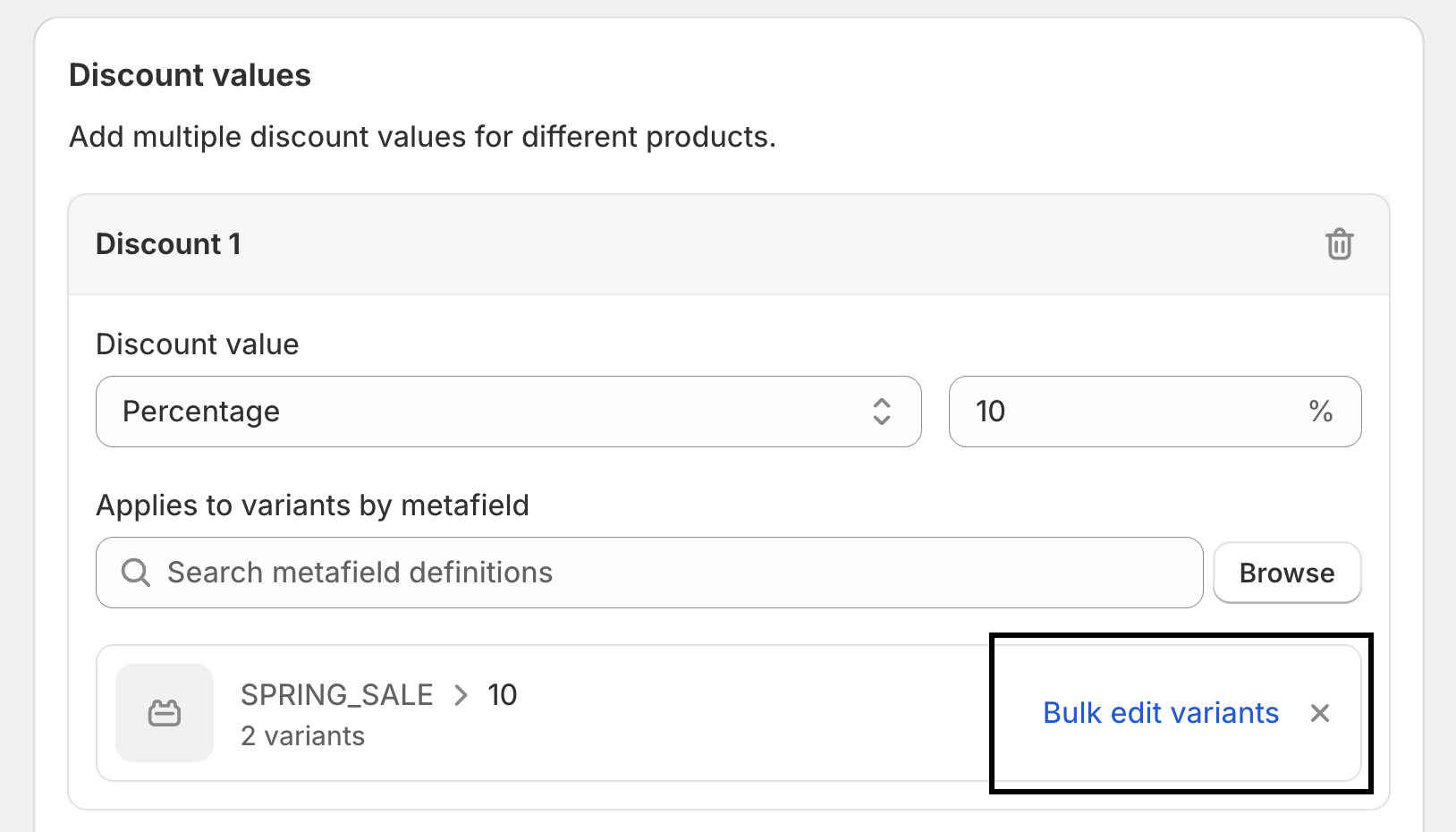
Select Bulk Edit Variants
You will be redirected to your Shopify Bulk Editor
Assign metafield values to products as required
Hit save
Learn more about metafields
If you’re new to Shopify metafields or need help setting them up, refer to Shopify’s documentation.
Limitations
It is not possible to update an existing discount to a metafield select discount.