
Storefront Blocks
Storefront blocks display promotion messaging, progress indicators, and gift selection interfaces on your store. Blocks are added in the Shopify theme editor and update in real time based on cart activity and promotion rules.
What Storefront Blocks Do
Blocks let customers see:
Active promotion messaging
Progress toward thresholds ("Spend $25 more to unlock free shipping")
Available rewards
Gift selection interfaces (for selectable gifts)
Blocks update automatically as customers add or remove items from their cart.
Important: Blocks are optional. Promotions work without them, but customers won't see any messaging or progress updates.
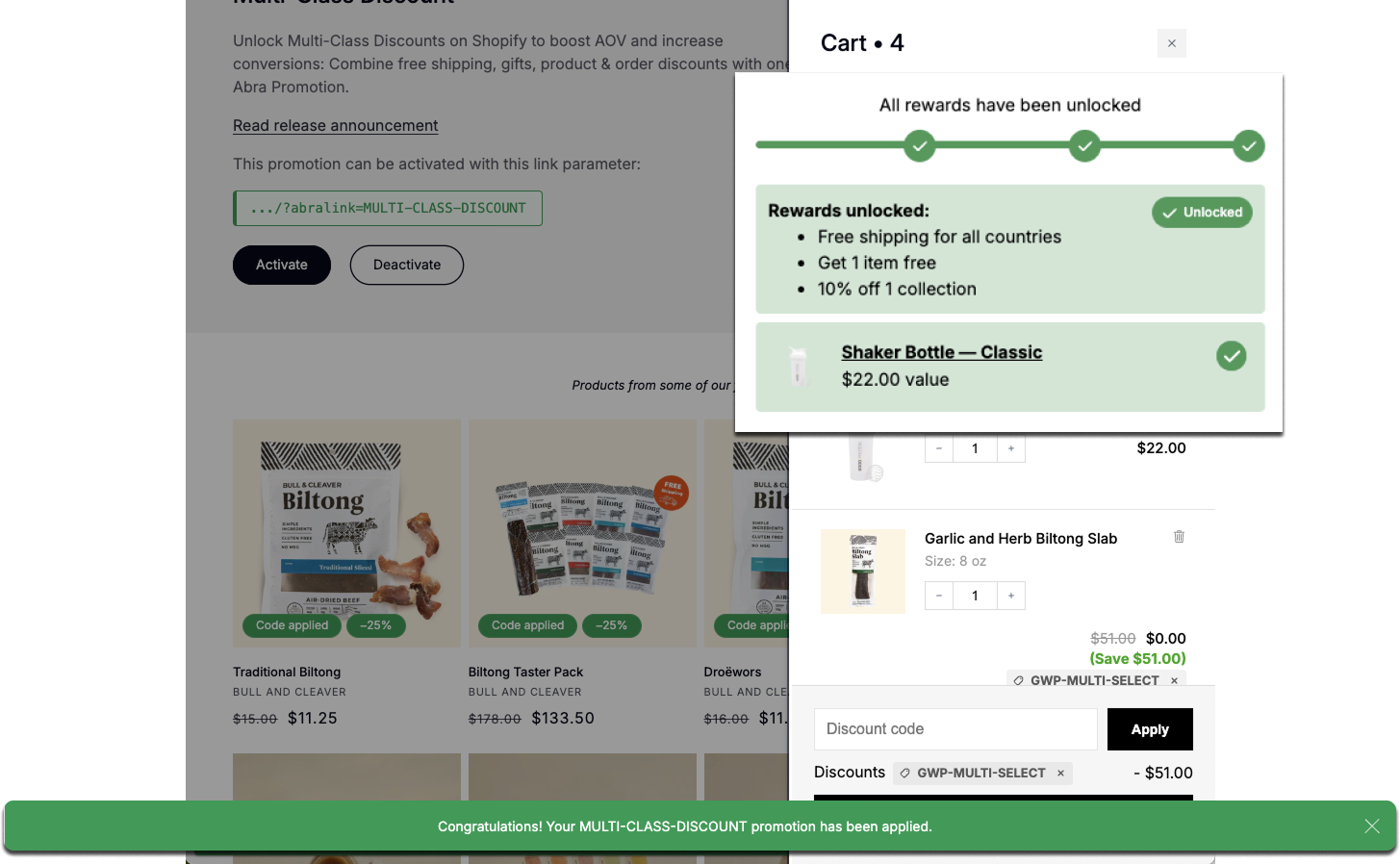
In the image above: Tiered Progress Banner placed in Cart and Popup along the bottom of the page. Elements have been highlighted and enlarged for clarity.
Where Blocks Can Be Placed
Blocks can appear on:
Storewide - Announcement bars, popups
Home page
Collection pages
Product pages
Cart
Customer account pages
Customizing Block Content
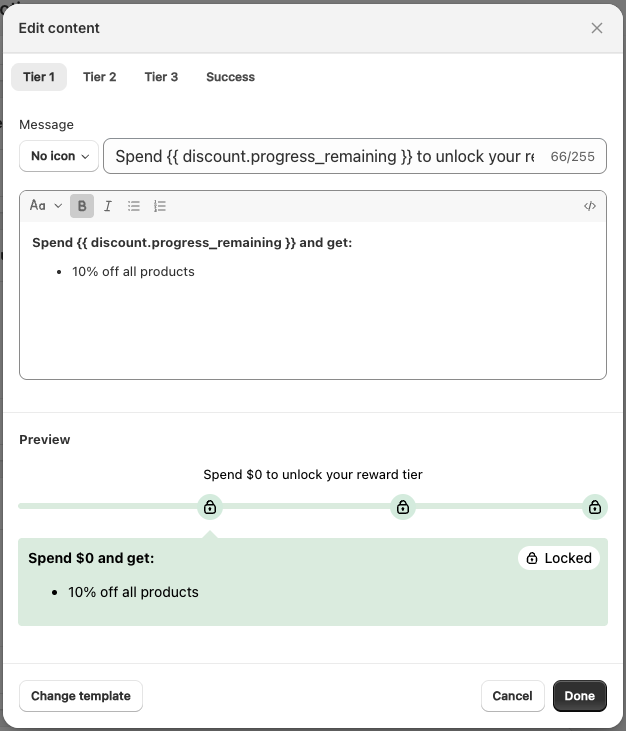
You can customize the messaging displayed in each storefront block using variables to show dynamic promotion data.
Variables let you display real-time information like spending progress, discount amounts, or tier status. They're written in double curly braces and update automatically as customers shop.
Example:
Spend {{ discount.progress_remaining }} and get free shipping!This displays as: "Spend $25 and get free shipping!" and updates in real time as the customer adds items.
Available variables and customization options: See the Storefront Blocks Developer Documentation for a complete list of variables, block-specific options, and advanced customization.
Block Types
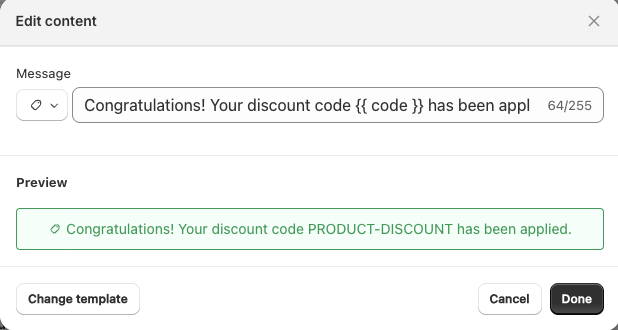
Popup
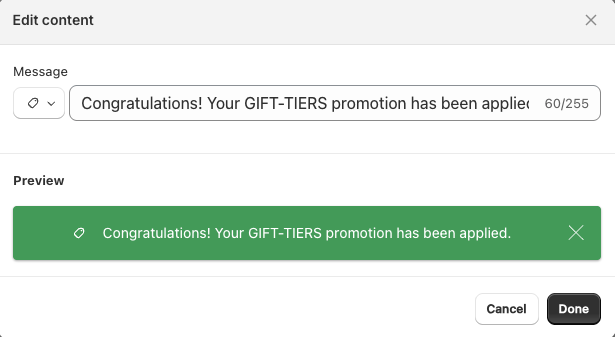
Displays a small notification bar at the bottom of the page when a customer qualifies for a promotion.
Use for:
Confirming the promotion has been applied
Notifying customers their discount is active
Reinforcing that they've unlocked a reward
Behavior: Appears automatically when the customer qualifies for the promotion. Displays a brief message like "Congratulations! Your 20% off VIP-DEAL has been applied."
Where it appears: Storewide (bottom of page)
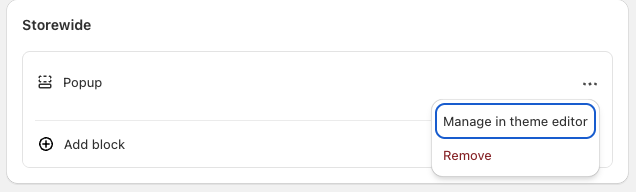
You can match your Popup to your site's branding by clicking Manage in Theme Editor → Abra Promotions → Popup. Learn more about customizing your branding here.
Basic Banner
Displays static promotional messaging.
Use for:
Announcing active offers
Highlighting eligibility requirements
Reminding customers of available rewards
Where to place: Product pages, collections, cart
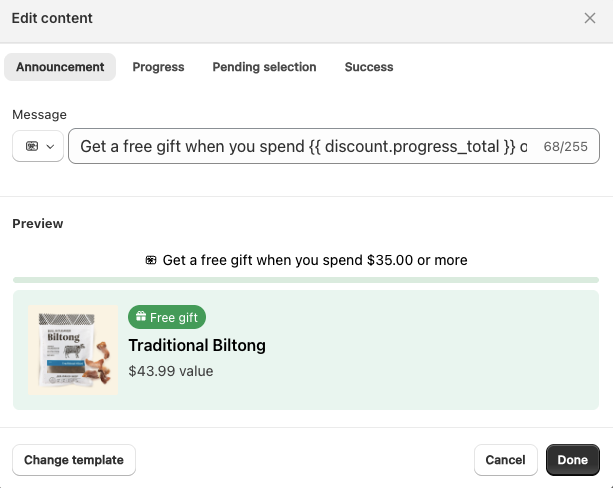
Gift Banner
Shows qualification status for gift-based promotions and includes the gift selection interface for Selectable Gift with Purchase.
Use for:
Gift with Purchase
Selectable Gift with Purchase
Multi-Tiered Gifting
Tiered Banner
Displays progress across multiple thresholds for tiered promotions. Updates in real time as customers move between tiers.
Shows:
Current tier status
Progress toward the next tier
Unlocked rewards
Use for:
Multi-Tiered Gifting
Buy More, Save More
Spend-based tier promotions
Customization: You can edit the messaging for each tier (Tier 1, Tier 2, Tier 3, Tier 4, Tier 5, and Success) using variables like {{ discount.progress_remaining }} to show dynamic values.
Where to place: On any page or cart to show progress or confirm tier status