

Activate Abra App Embed
Whether you’re creating a simple offer or have a complex promotional strategy for your store, this guide will walk you through the steps necessary to get started with Abra Promotions. Let's dive in!
The first step after installing the Abra app is to embed the app on your theme in order Abra to work on your storefront displaying promotional banners and updating pricing.
In the left-hand sidebar of the Abra app, navigate to Settings → Theme Installation and click Activate Abra
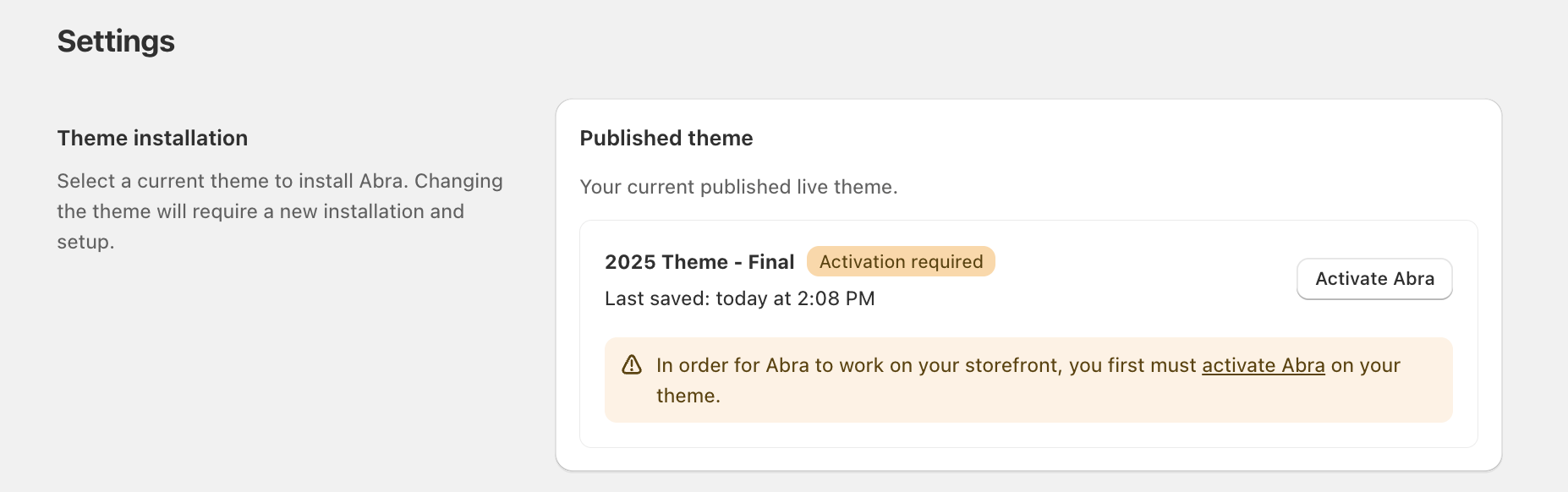
Make sure the toggle for Abra is switched on.
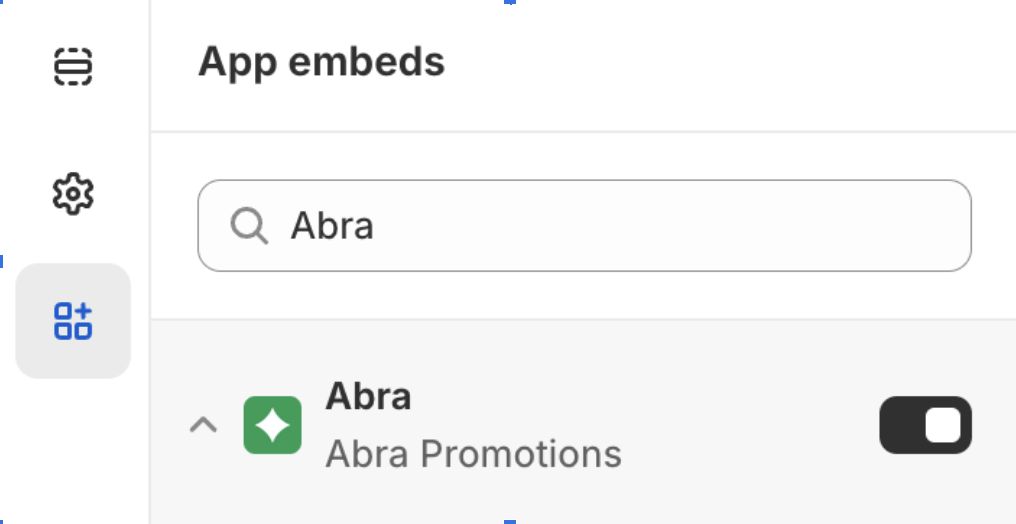
Once the toggle is on, click Save in the top right corner of the theme editor main action bar to confirm your changes.