Create Your First Promotion
Last updated: August 27, 2026
This guide walks you through creating a simple Gift with Purchase promotion. You'll set a spend threshold, choose a free gift, add a storefront block, and preview the promotion before sharing it with customers.
Step 1: Open Abra and Create a Promotion
Navigate to the Abra app in your Shopify admin
Click Create Promotion
Step 2: Set Visibility to Private
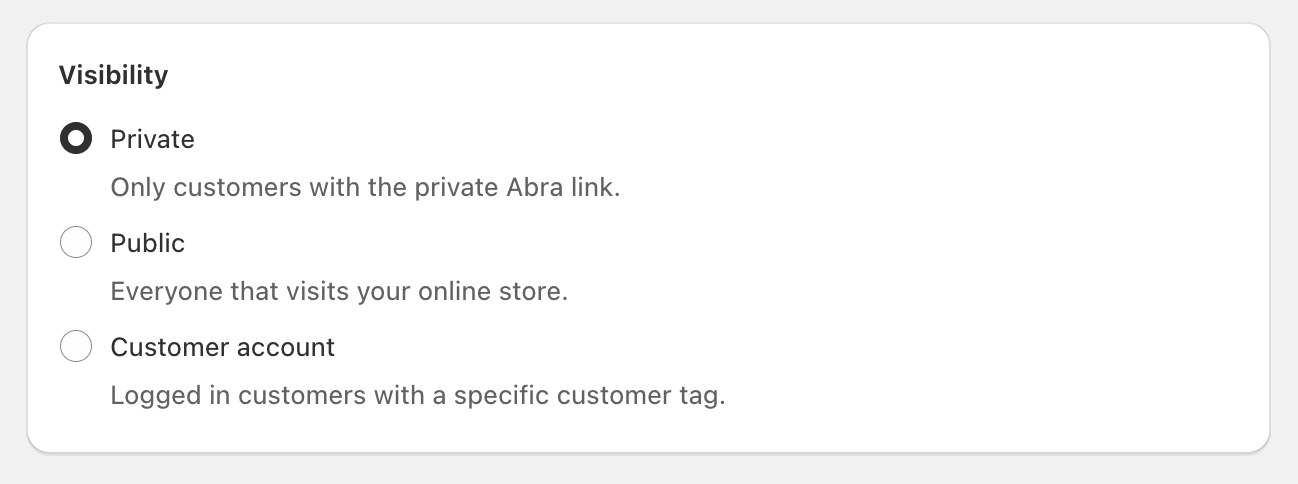
Set Visibility to Private while you're building.
Why Private? Private promotions are only accessible via a unique link, so you can test and preview without making the promotion live to everyone. You can switch to Public or Customer Account visibility later.
Learn more about Public, Private or Customer Account Visibility.
Step 3: Add a Gift with Purchase Discount
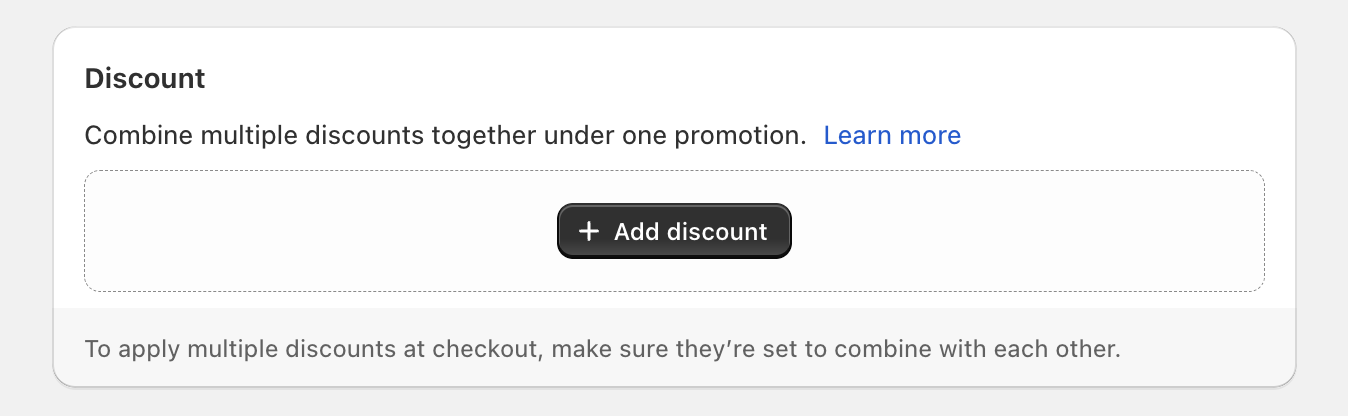
Scroll to Discount and click Add a discount
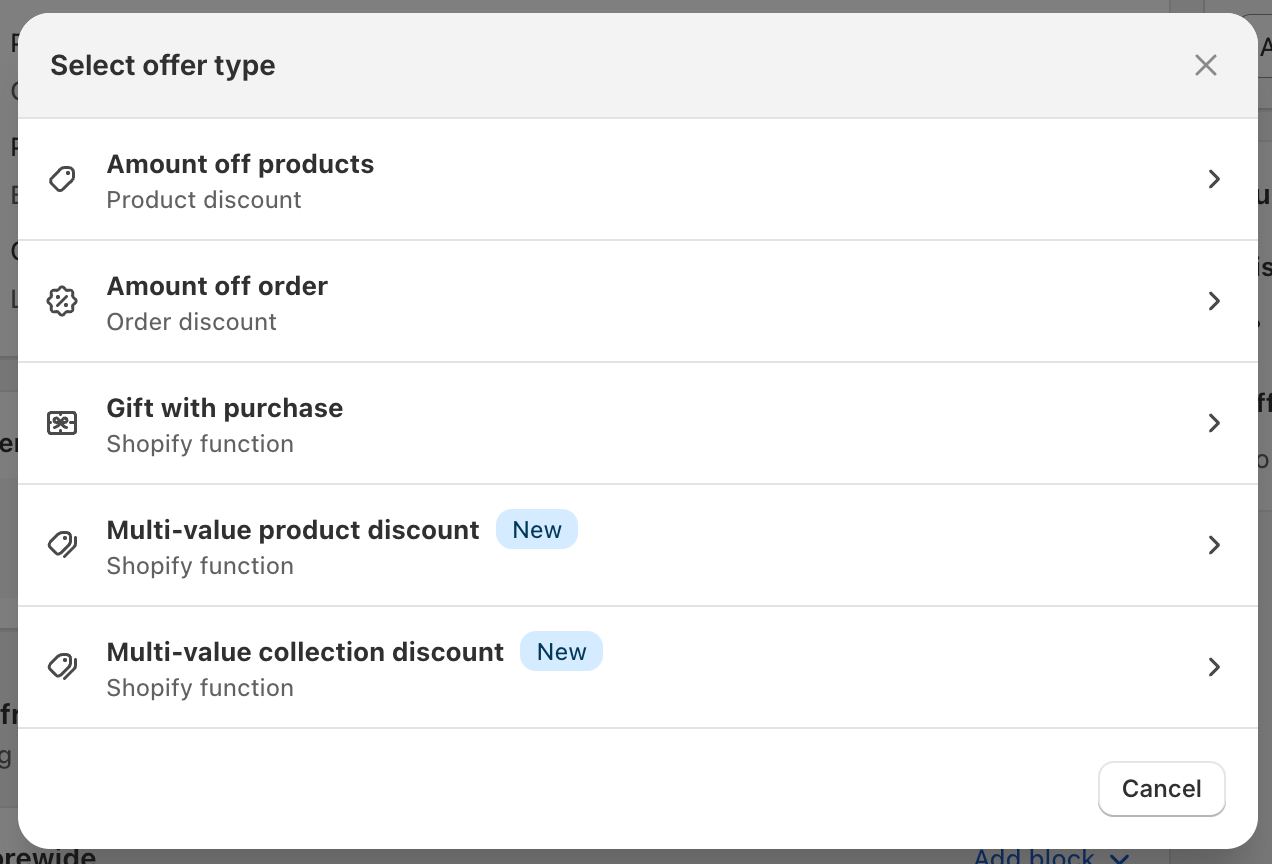
Select Gift with Purchase
Enter a discount code (e.g., FREEGIFT)
Configure your settings:
Customer Buys - Set a spend threshold (e.g., $75)
Customer Gets - Choose the free gift product
Click Save
There are additional settings like customer eligibility, usage limits, and markets. For your first promotion, the defaults work fine. See Discount Configurations for details on all available options.
Step 4: Add a Storefront Block
Storefront blocks display promotion messaging and progress to customers. For your first promotion, we’ll create a simple gift progress banner for your PDP.
Scroll to Storefront Blocks
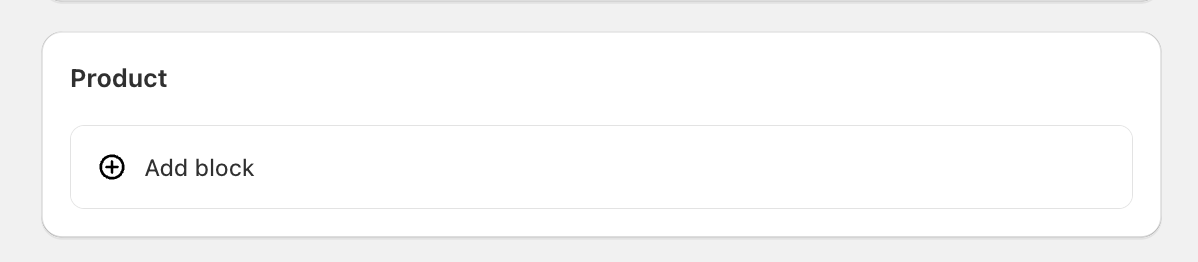
Click Add block under Product
Select Gift Banner; customize the text as required.
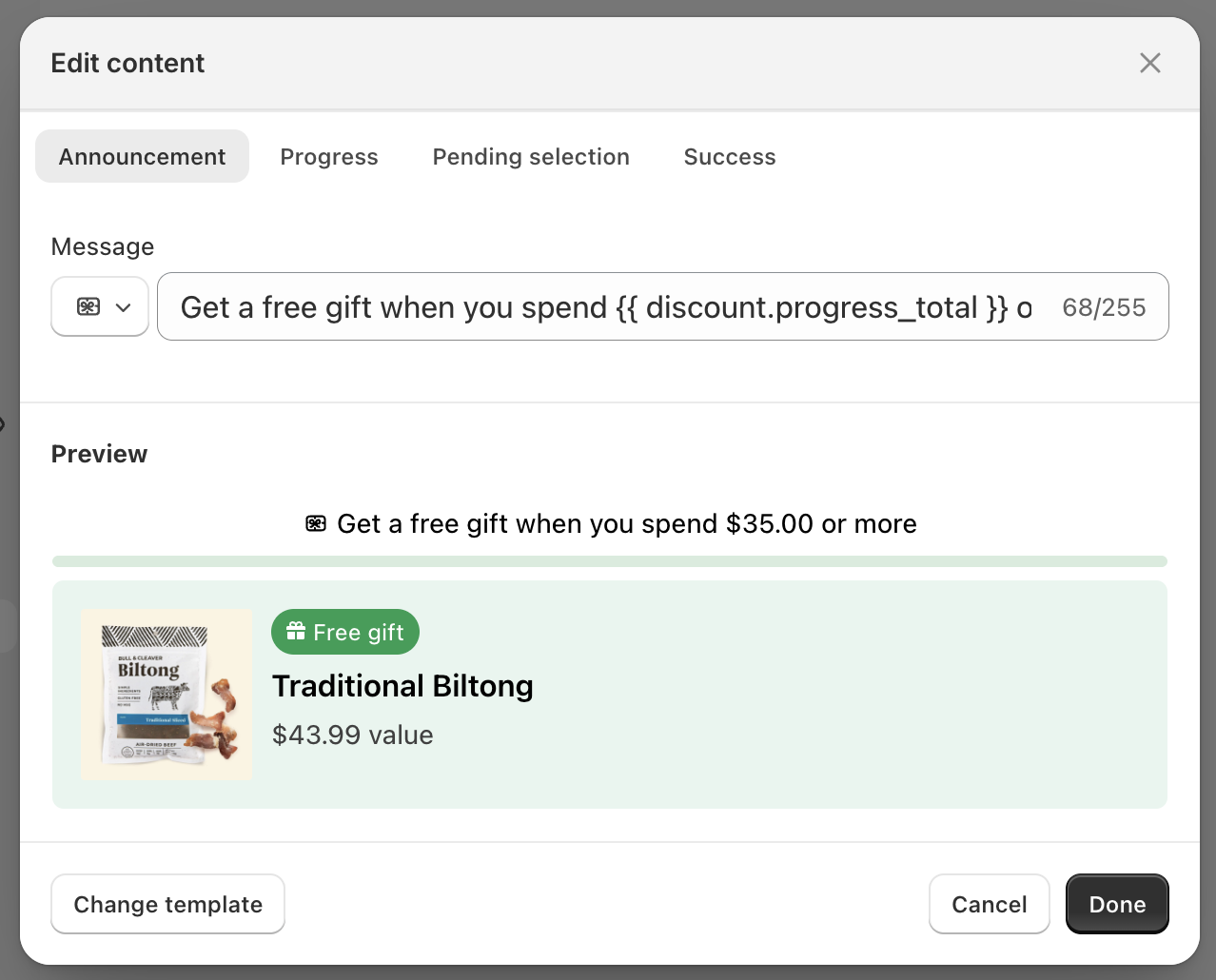
Click Activate Template.
The Shopify theme editor will open, drag the block to position it on your PDP.
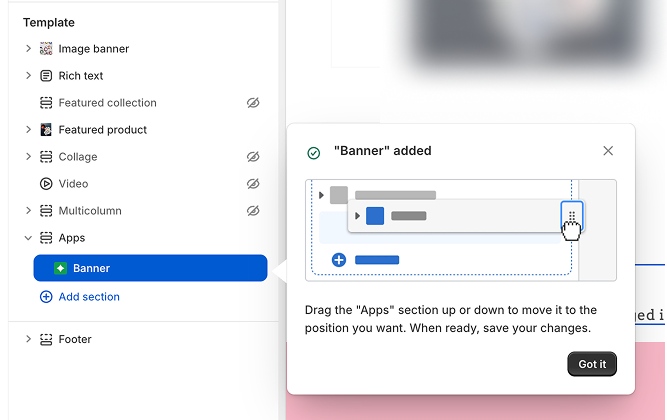
Click Save in the theme editor
You can add blocks to other pages (cart, customer account pages, collections, etc.) later. See Storefront Blocks for all block types and placement options.
Step 5: Save and Preview
Click Save in the top right
After saving, click Copy link to get your private promotion link
Click Preview in the upper right hand corner of the promotion page to see how the promotion appears to customers
Open the link in a new browser window and test the promotion:
Add items to reach the threshold
Check that the gift is added automatically
Verify the messaging appears in your cart