Tapcart integration setup instructions
Last updated: July 3, 2026
The Abra and Tapcart integration allows you to create complex promotions with a great user experience for your mobile customers.
Abra gives you more discount functionality than is available out of the box with Shopify:
Create app-exclusive discounts
Display strikethrough pricing with discounts on collection, product, cart and checkout templates
Personalize discounts across customer segments and through push notifications
Run complex multi-value, gift with purchase and tiered volume promotions with the best in class user experience
Setup Instructions
Contact your Tapcart account manager to turn on web checkout and the Cart API.
Install the Abra app from the Shopify app store.
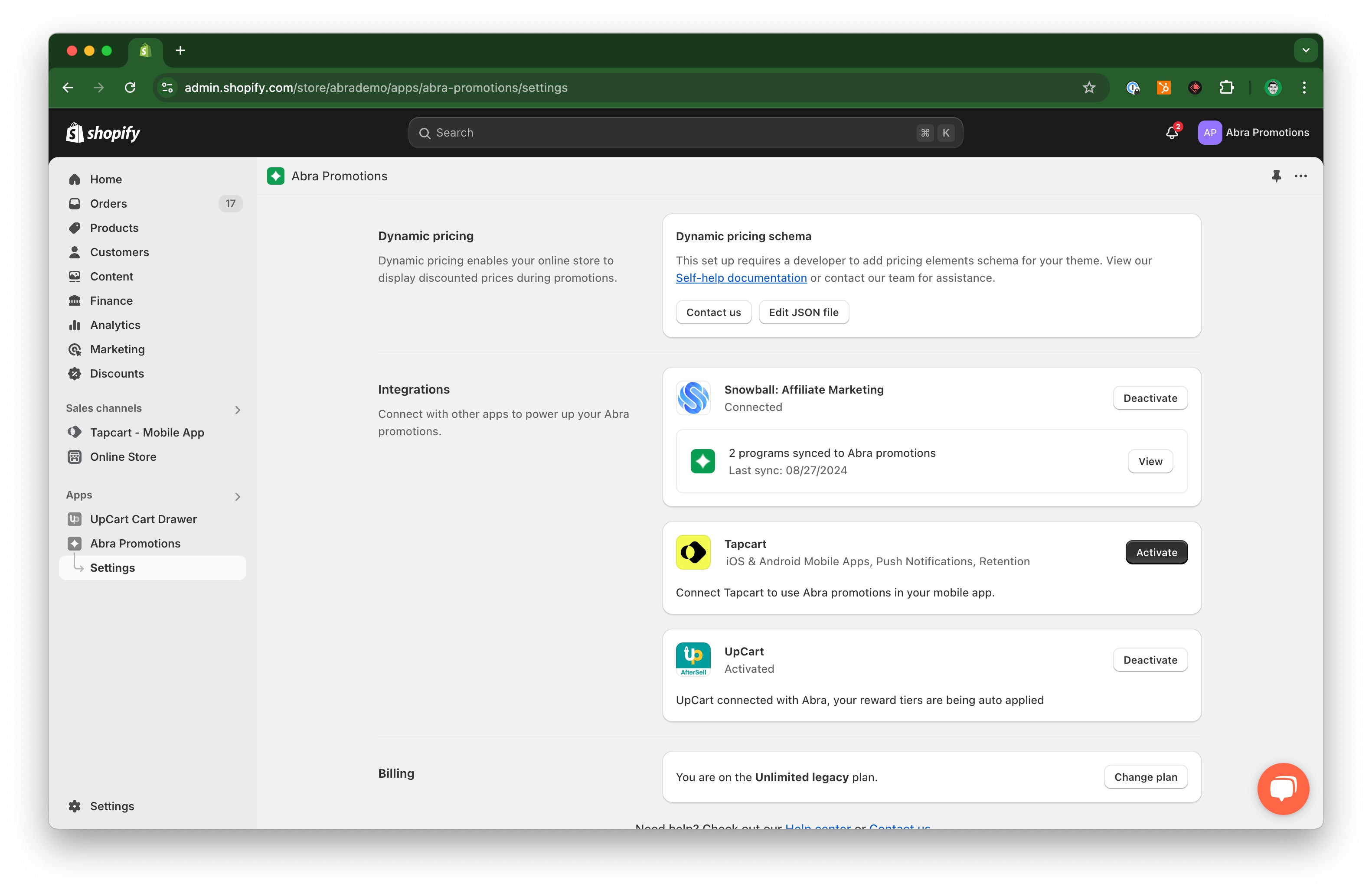
In the settings area of the Abra app, click to activate the Tapcart integration.
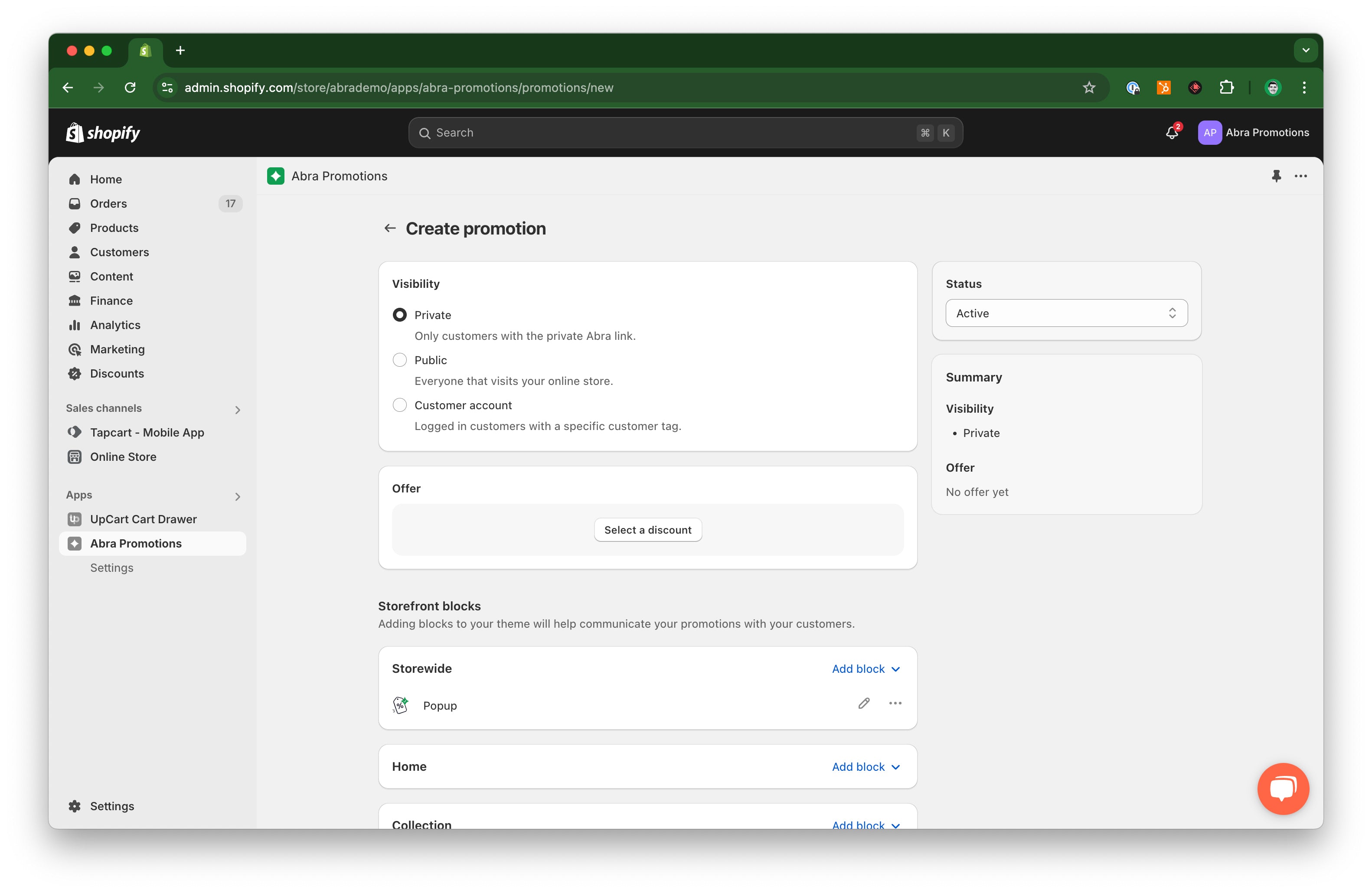
Create a promotion in Abra set to Private visibility.
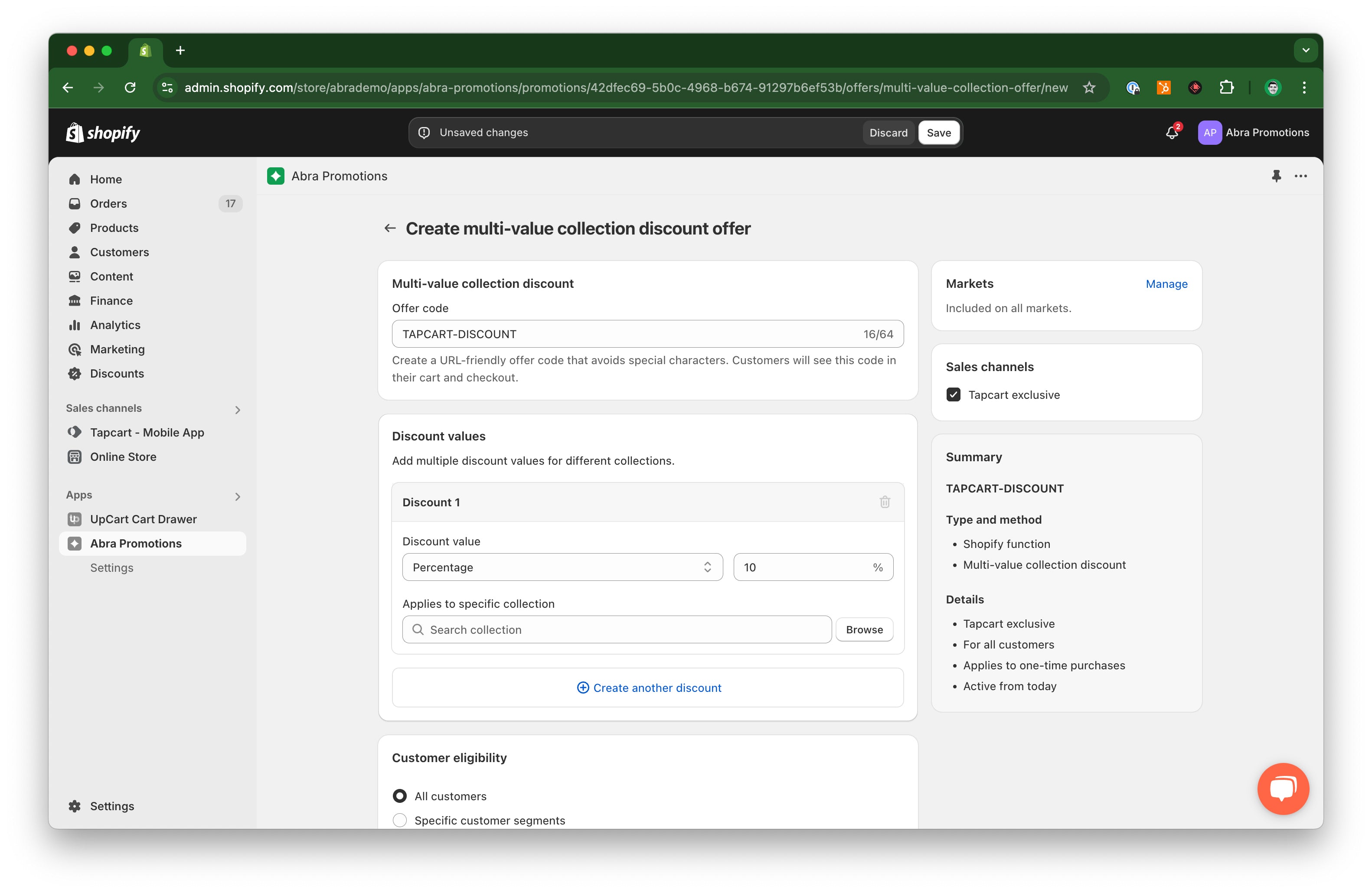
From the offer modal in the Abra promotion, select a "Multi-value collection discount". Customize the value of your offer and check the box for Tapcart exclusive in the panel on the right.
Contact the Abra team at help@abrapromotions.com with the discount code for your promotion and we can set up your custom blocks in 24 hours.